
Many factories in Saudi Arabia and the Gulf run in conditions that are harder on equipment than the environments coders are often designed around. Production halls can get very hot in summer, coastal cities such as Jeddah and Dammam are humid, and dust from industrial areas or the product itself settles on everything. Coding equipment can work well in these conditions, but it needs the right set-up and routine.
Check the operating range first
Every coder has an operating temperature and humidity range in its specifications. Compare it with your production hall at the hottest time of the year, not the average. Measure the actual temperature at the coding point: equipment next to ovens, sealers, shrink tunnels or compressors can be much hotter than the rest of the hall.
If the hall regularly exceeds the range, plan for ventilation, a cooler location for the cabinet or controller, or a cooled enclosure.
How heat affects each technology
Continuous inkjet (CIJ)
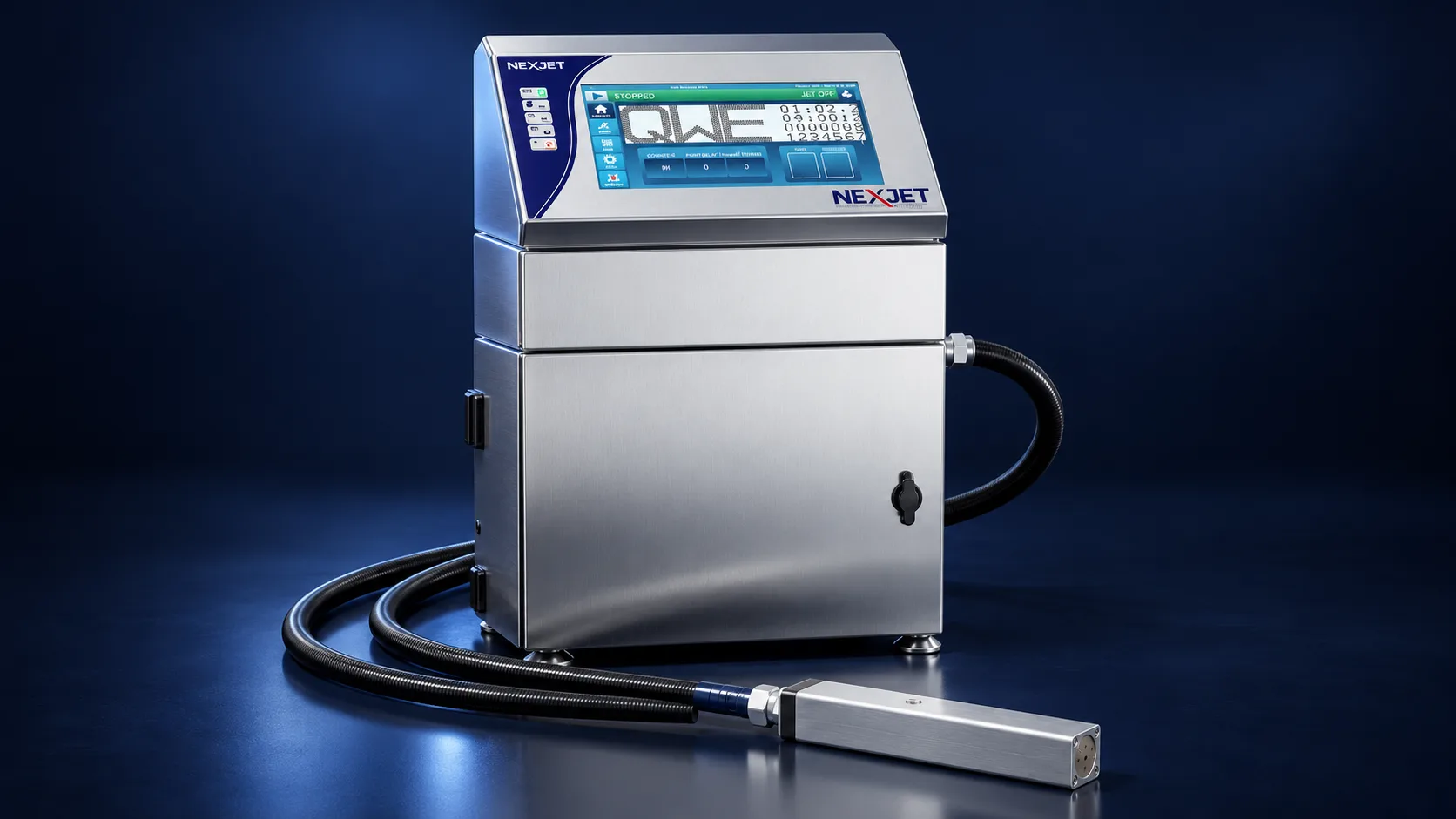
Heat lowers ink viscosity and increases solvent evaporation. A CIJ printer compensates by adding make-up fluid, so consumption rises in hot conditions. Very high temperatures can affect print quality and stability. Keep the cabinet away from heat sources and direct sunlight, and ventilate the area.
Thermal inkjet (TIJ)
TIJ cartridges are sensitive to heat in storage and use. Ink can dry on the printhead faster in hot, dry air, so wipe the printhead more often and cap cartridges when the line stops. Store spare cartridges in a cool place.
Thermal transfer overprinting (TTO)
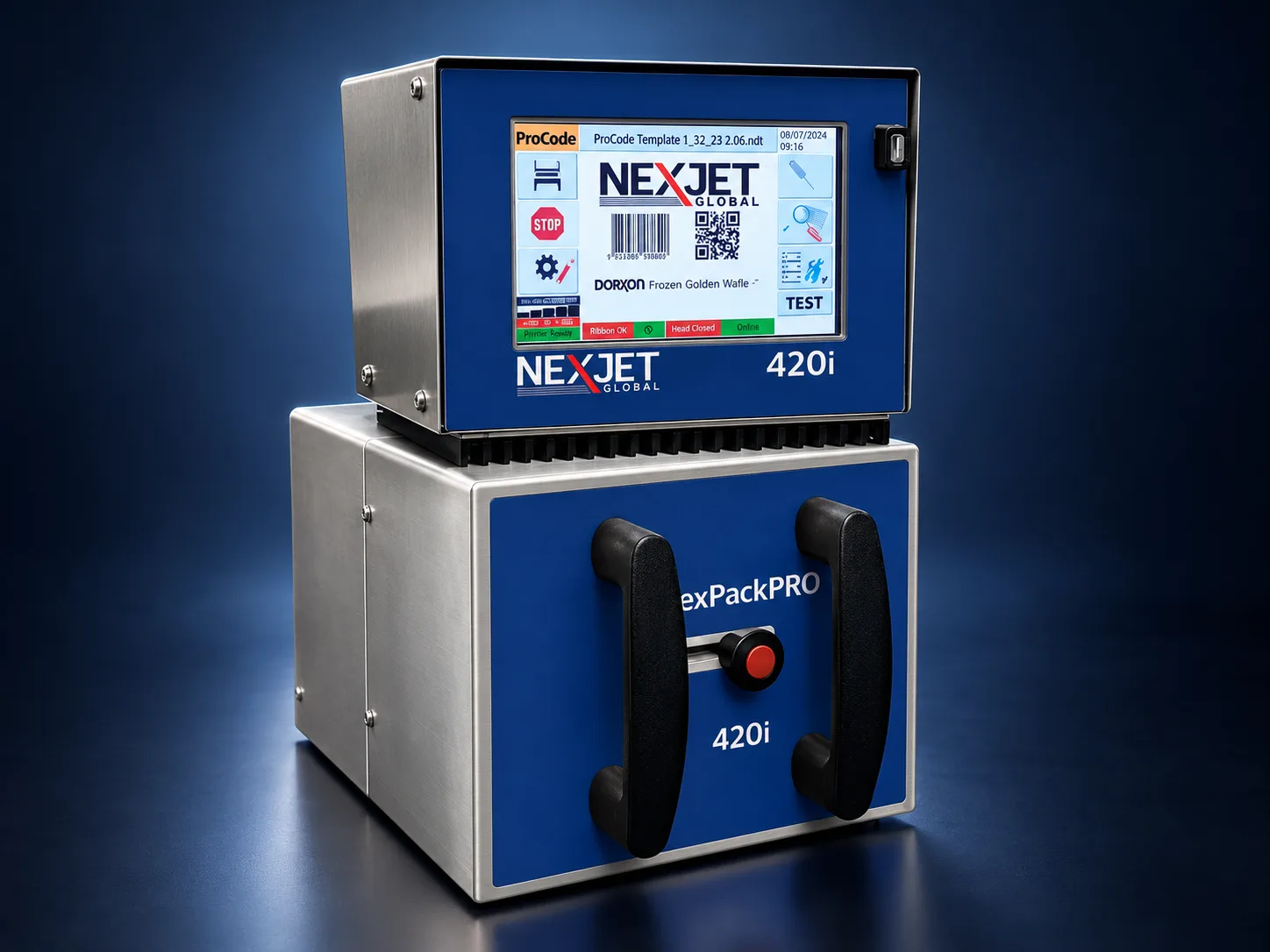
Ribbons should be stored within the supplier's temperature range, away from direct heat. High temperatures inside packaging machines can also affect print quality, so check settings when conditions change between seasons.
Laser
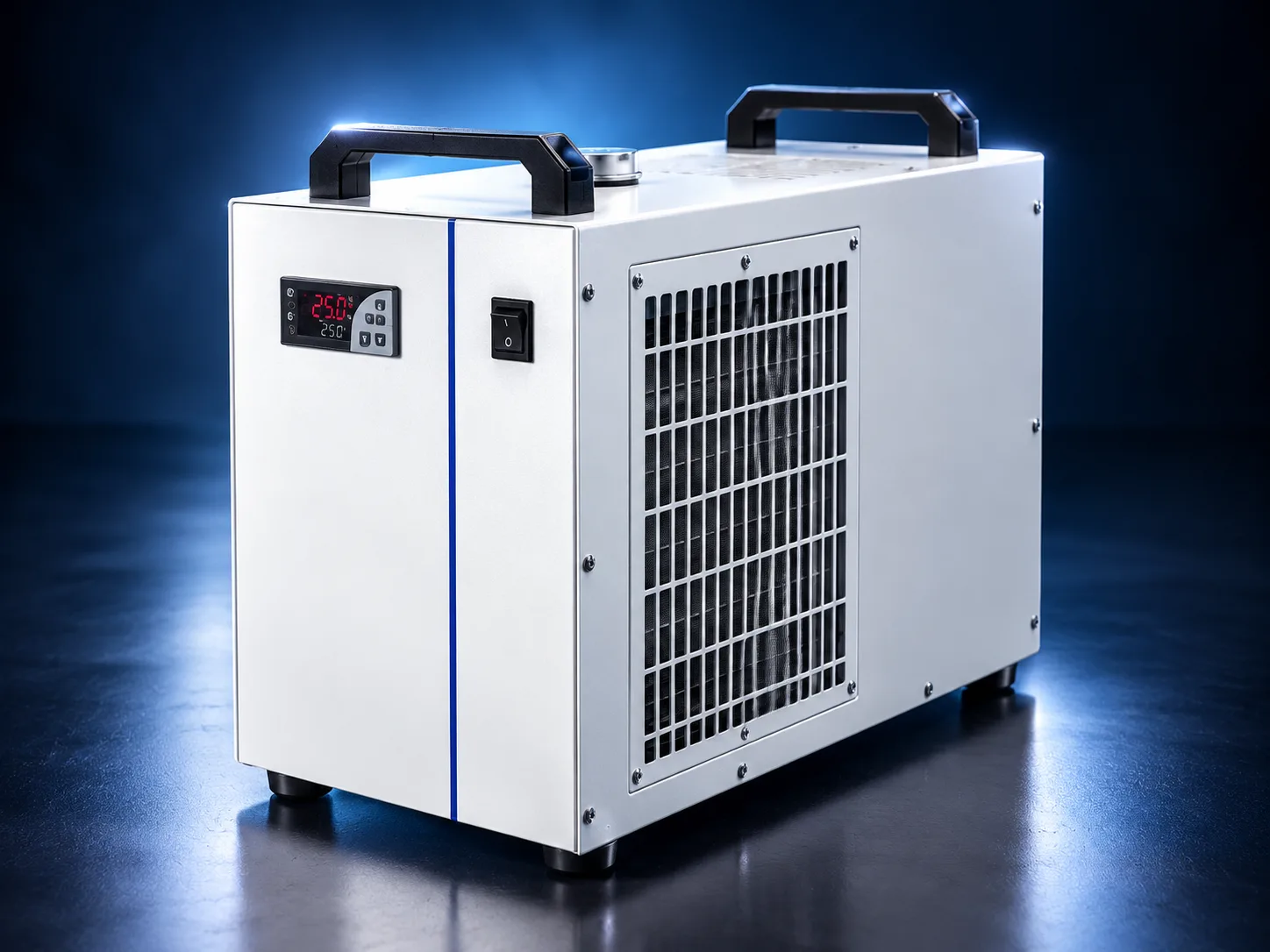
Laser sources produce heat and depend on stable cooling. In hot halls the cooling load rises, so air-cooled lasers need good airflow and water-cooled systems need a correctly sized industrial chiller with good ventilation around it. Read our laser marking guide for laser types.
Humidity and condensation
In humid coastal factories, and wherever cold products are coded, moisture causes two problems: ink not adhering to wet packs, and condensation inside equipment when it moves between cool and warm areas. Use inks designed for condensation, code products before chilling, and avoid moving electronics between air-conditioned rooms and hot halls without letting them acclimatise. Our guide to coding dairy and juice packs covers wet surfaces in detail.
Dust
Dust blocks filters and fans, settles on optics and printheads, and gets onto the pack where it spoils print quality. Flour, sugar, cement and plastic dust are common in Gulf factories.
- Protect air intakes. Check and clean fan filters on cabinets, controllers and chillers on a schedule.
- Keep printheads and lenses clean. Clean inkjet printheads and laser protective lenses as part of every shift routine in dusty areas.
- Clean the pack surface. An air knife or brush before the coder removes dust from cartons and sacks.
- Use enclosures. For very dusty processes, ask about protection ratings and enclosures for the coder.
A seasonal checklist
- Before summer: service ventilation and chillers, clean filters, and check the hottest coding points.
- Store consumables correctly: ink, make-up fluid, cartridges and ribbon away from direct heat, sunlight and hot warehouse walls.
- Rotate stock: use older consumables first, and check shelf-life dates.
- Adjust routines: clean printheads and lenses more often during summer and in dusty areas.
- Monitor consumption: a sudden rise in make-up fluid use on a CIJ printer is a sign of heat or a ventilation problem.
- Plan service before peaks: combine summer preparation with preparation for seasonal production peaks.
Choosing equipment for difficult environments
If you are selecting a new coder, tell the supplier about your environment: maximum hall temperature, humidity, dust and wash-down. That information affects the choice of technology, ink, enclosure and cooling. Our article on choosing a coding technology explains the rest of the selection process.
Frequently asked questions
Can coding printers work in high temperatures?
Yes, within their specified operating range. Check the range against the hottest conditions at your coding point, and plan ventilation or cooling where needed.
Why does my CIJ printer use more make-up fluid in summer?
Solvent evaporates faster in heat, so the printer adds more make-up fluid to keep the ink at the right viscosity. Good ventilation and keeping the printer away from heat sources help.
How should ink and cartridges be stored in hot climates?
Keep them in a cool, dry place away from direct sunlight and hot walls, within the supplier's storage temperature range, and use older stock first.
Does a laser marker need a chiller in the Gulf?
Some laser sources are air-cooled and others need a chiller. In hot halls, cooling must be sized for the real conditions; confirm with the laser specification.
How do I protect coders from dust?
Clean fan filters, printheads and laser lenses regularly, clean the pack surface before coding, and consider enclosures for very dusty processes.
Editorial guidance informed by the NEXJET company catalogue. This is not a model-specific datasheet.